
What Do You Meme? Controller Not Working: Phone Fixes
Phone joined but the game does not respond? The realistic fixes for a What Do You Meme? controller that will not load, will not submit or keeps dropping.
A dead phone controller is the most annoying failure in the game because it is ambiguous. The phone may show the lobby, the TV may show the room code, and nothing happens. Is the phone disconnected, is the room full, or is the host still on a menu?
This page is the practical sequence for the common cases: the join page will not load, the hand never appears, the submit button does nothing, or the phone drops mid-round. Work through it in order — the cheap checks come first.
If the phone has not joined at all and the code is being rejected, the room code page→ is the better starting point. For the intended join flow, see the phone controller page→.
First: confirm what "connected" means
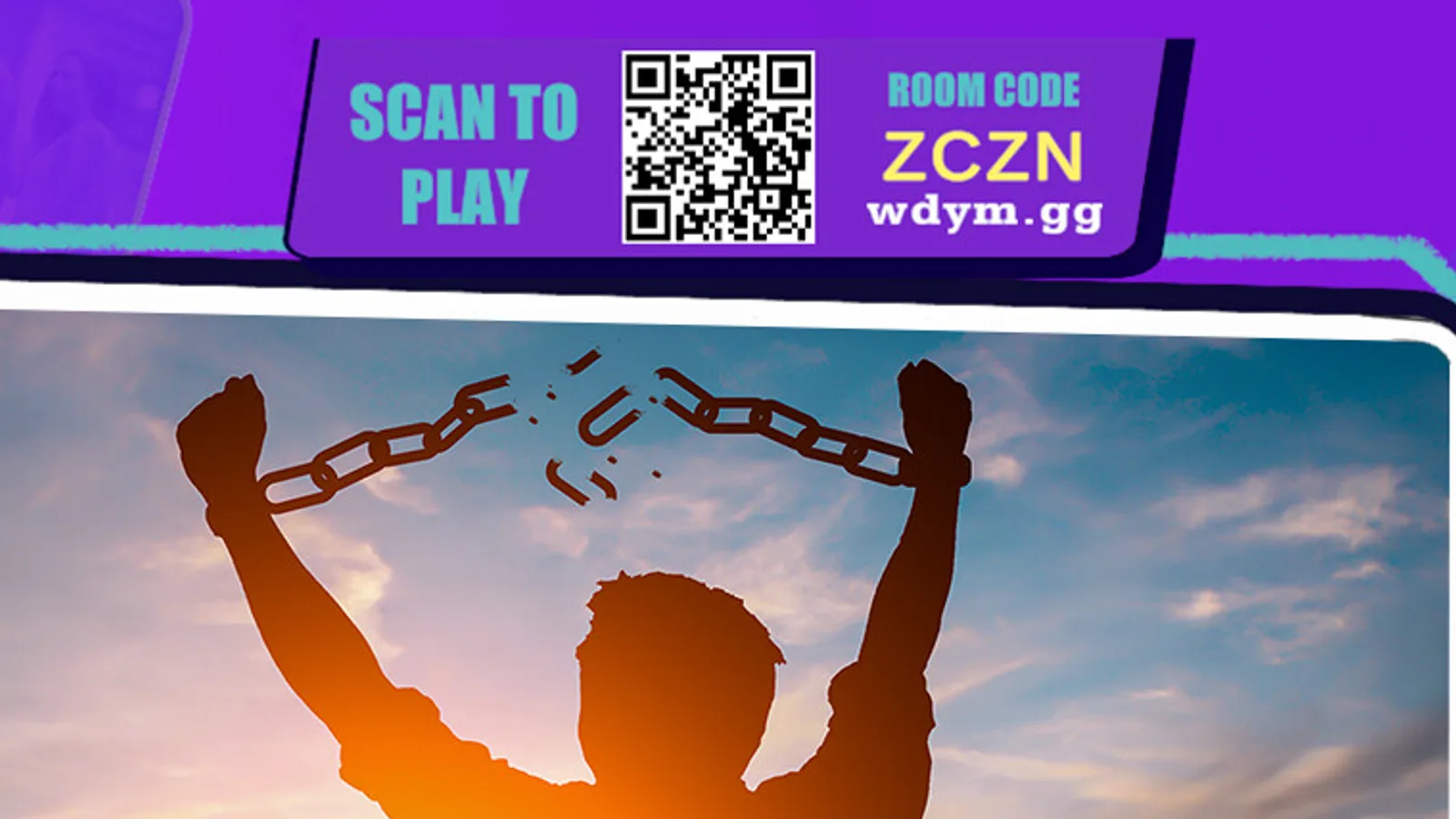
The TV lobby is the only source of truth. A phone that shows a loading spinner, a hand of cards or a "waiting" message is not necessarily in the room. The TV must list the player's name.
Check three things on the TV before touching the phone:
- The match has started. If the host is still on the mode menu or settings, phones cannot join yet.
- The room is not full. The cap is eight players.
- The lobby shows a room code. If the code has changed, the old one is dead.
If the TV is right and the phone is wrong, the problem is on the phone side. If both look right but the round will not start, the host is probably waiting on a player who has not submitted.
The join page will not load
This is the most common failure and almost always a network path issue rather than a game bug.
- Switch off mobile data for a moment. If the page loads on Wi-Fi but not on data, the phone's carrier path is the problem, not the game.
- Turn off any VPN. VPN apps route traffic through another country and can break a local join page. This is the single most common cause of a phone that loads everything except the game.
- Try a private/incognito tab. If it works there, an extension, content blocker or stale cookie is interfering.
- Disable content blockers for the page. Ad blockers occasionally treat a game lobby as an ad frame.
- Check for a captive portal. Hotel and campus Wi-Fi often show a login page before real internet; the browser may be stuck on it. Open a normal website first to confirm the connection is live.
- Try a different browser. Safari and Chrome cover almost everything; a stripped-down in-app browser (the one inside Instagram or a messaging app) is the usual culprit.
The hand never appears
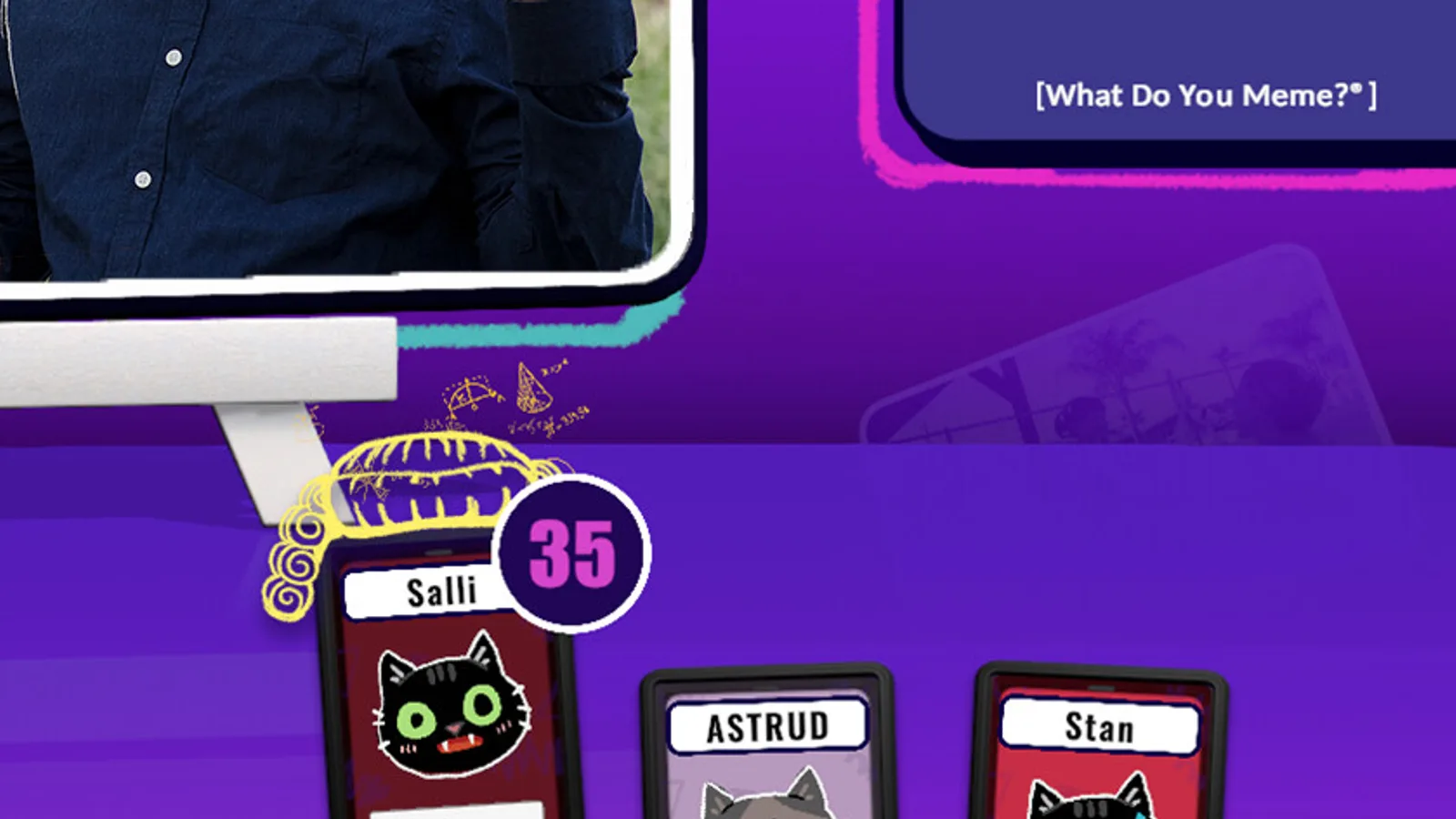
The phone joined, the name is on the TV, but no caption cards show up. That usually means the round has not started or the player is the judge.
- You are the judge. The judge does not receive a hand. If the TV shows your name as judge, the empty screen is correct.
- The round is between photos. Wait for the next photo; hands are dealt at the start of a round.
- The hand is still loading. Give it a few seconds on a weak connection, then reload once.
- The host paused. Some hosts pause between rounds to explain a rule. The phone will sit idle until the next photo.
If none of those apply, reload the phone page and rejoin with the same code. Rejoining mid-match usually restores the hand; if it does not, the player sits out the round and rejoins at the next one.
The submit button does nothing
A locked-in caption is supposed to be final, so the game may be ignoring a second tap. Check the TV: if the lobby shows that player as submitted, the phone is fine and the button is simply inert.
If the TV does not show a submission, the phone's connection has dropped without telling you. Reload the page. A submission that never reached the server is the one case where reloading is safe.
The phone drops mid-round
Dropouts cluster around three causes: the screen locking, the browser discarding a background tab, and Wi-Fi roaming.
- Screen lock: extend the phone's auto-lock to five minutes or more before the session.
- Background tab: closing other tabs and switching the browser to the foreground reduces the chance of the tab being suspended.
- Wi-Fi roaming: a phone that moves between access points can lose the socket. Sitting closer to the router is a boring but effective fix.
Rejoining is the same as joining: open wdym.gg, enter the current code, use the same name. The room does not need to restart for one player to rejoin, though they may miss the round in progress.
When the whole room drops at once
If every phone loses the game at the same moment, the host side is the problem. Check:
- The console or PC went to sleep. Power-saving settings can suspend the game during a long lobby.
- The host changed mode or settings. Some changes restart the lobby and invalidate the old join state.
- The router restarted. Obvious in hindsight, invisible in the moment.
- The host closed the game. The room dies with it, and every phone will show a dead page.
The fix is to restart the match and issue a new code. Every phone has to rejoin; there is no way to migrate an old code to a new room.
A tablet or an old phone with a browser makes a useful spare. If a player's phone dies mid-night, the spare can take over their seat with a new name.
Is it the game or the phone?
A quick diagnostic: open wdym.gg on the phone while the game is not running. If the page loads, the phone's network and browser are fine, and the problem is the room code or the host state. If the page does not load, the problem is the phone's connection.
That single test separates the two halves of the problem and saves a lot of pointless reloading.
Where to check the details
FAQ
Why does my phone say connected but the TV does not show me? The join did not reach the room. Recheck the code, reload, and confirm the TV lobby lists your name.
Can I rejoin mid-match? Yes, using the current room code. You may miss the round in progress, but the seat is recoverable.
Does a VPN break the controller? It can. Turn it off and reload the join page before troubleshooting anything else.
Do I need PlayStation Plus or Xbox Live for phone controllers? No. The phone is a local input device, not an online service.
Official rules and store pages
Official source: Snap Finger Click game page ↗ and the in-game join screen.