
What Do You Meme? Hall of Shame and Timer Settings
The three match settings in What Do You Meme? The Video Game: what hand size changes, when to turn the timer on, and what the Hall of Shame toggle does.
What Do You Meme? The Video Game ships with three adjustable match settings: hand size, timers and the Hall of Shame. They are buried one screen deeper than the mode select, which is why most groups play their first night on defaults and never touch them. That is a shame, because the settings are how you tune the game to a specific room.
This page explains what each setting changes, which direction to move it for which group, and the combinations that work. If you have not run a round yet, read the setup walkthrough→ first; settings only make sense once you have seen the default loop.
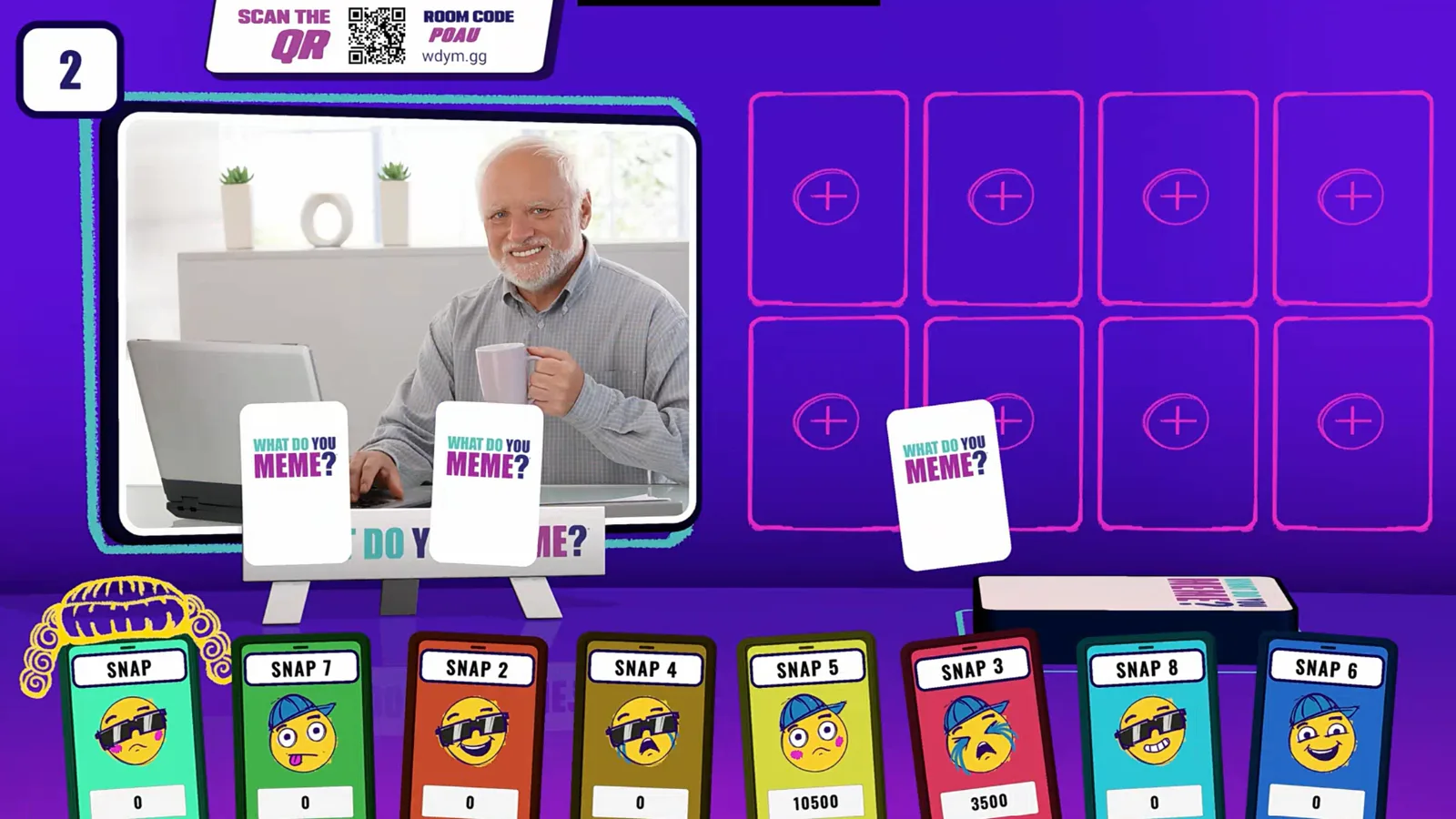
Hand size: the setting that controls choice
Hand size is the number of caption cards each player holds. More cards means more options per round, which sounds strictly better and is not.
A larger hand slows the round down. Every extra card is another thing to read, another comparison to make and another chance to second-guess yourself. With eight players and a big hand, the submission phase turns into a silent reading seminar while the judge waits.
A smaller hand speeds things up and forces instinct. It also produces more repeats, because players with three cards have fewer ways to dodge the obvious joke.
Practical ranges:
- Small hand (3–4 cards): fast rounds, good for a big room or a group that talks a lot. Expect more collisions.
- Default hand: the right starting point for a first night. It gives enough choice without turning the round into homework.
- Large hand: good for three or four players who want a puzzle, bad for eight players who want pace.
If a player keeps winning with the same style of caption, shrinking the hand is a gentler fix than telling them to stop.
Timers: the setting that controls the room
The timer puts a countdown on caption submission. The default build shows 35 seconds, which is short on the first round and generous by the fifth.
Turn the timer on when:
- The room is large and one player holds up every round.
- The group treats the game as a game rather than a conversation.
- You are streaming, and dead air is worse than a bad caption.
Turn the timer off when:
- New players are still learning the cards.
- The group includes someone who reads slowly or uses a screen reader.
- The fun of the night is the arguing, not the throughput.
There is no scoring penalty for running out of time in the builds we tested — the round simply proceeds without that player's caption. That makes the timer a pacing tool, not a punishment, which is why it is safe to leave on for a rowdy table.
Changing it mid-match is possible, but the room notices and starts negotiating. Decide before the first photo: 35 seconds for a big loud group, off for a small one, and tell everyone which it is.
Hall of Shame: the punishing toggle
The official site describes the Hall of Shame as a punishing setting, and it is the one option the store copy does not fully explain. It is designed for groups who enjoy the bad rounds as much as the good ones — the captions that miss so completely they become the story of the night.
Treat it as opt-in. Turn it on after the room has played a few rounds and knows the tone, not before the first photo. A group that is still learning what a good pairing looks like does not need its worst attempts preserved; a group that has been playing for an hour and is ready to laugh at itself does.
If you are playing with family or younger players, leave it off until you know what the room finds funny. The toggle is not a content filter, and it does not change the age rating of the deck.
Settings that work together
Three combinations cover most nights.
Big room, mixed experience: default hand, timer on, Hall of Shame off. The goal is pace and inclusion; the experienced players can carry the comedy.
Small room, experienced: large hand, timer off, Hall of Shame on. The goal is craft; let people think, and let the bad ideas hang.
Family table: smaller hand, timer off, Hall of Shame off, Family Edition pack only. The goal is keeping every caption appropriate without explaining why Uncle Dave's card is not.
The family edition page→ covers the pack side of that last setup, and the age rating page→ explains why the base deck is not automatically family-safe.
What the settings do not change
They do not change scoring. A round win is still 1,500 points, regardless of hand size or timer. They do not change the judge's authority, the rotation, or the number of players a mode supports.
They also do not change the card pool. If you want different material, you need a card pack, not a setting. The card packs page→ lists what each one adds.
One more thing worth saying: settings are per match, not per account. If you hand the controller to a different host, check the settings again. A group that left the timer on for a big night will find it still on for a quiet three-player game.
Where to check the details
FAQ
What does the Hall of Shame do? It is an optional match setting the official site describes as punishing. Snap Finger Click does not spell out the mechanic in its store copy, so treat it as an opt-in for groups that enjoy the bad submissions, and try it after a few rounds.
Does a bigger hand improve my chances? It gives you more options, but it also slows the round and makes the judge wait. For most rooms the default hand is better than a large one.
Can I turn the timer off? Yes. Timers are an adjustable rule, not a fixed part of the round. Turning them off is the right call for new players and small groups.
Do settings affect scoring? No. The 1,500-point round value is fixed across settings and modes.
Official rules and store pages
Official source: Snap Finger Click game page ↗ and Steam store page ↗.