
What Do You Meme? Online Multiplayer: What Works Now
What Do You Meme? The Video Game launched without built-in online play. What works today, what the free update adds, and the screen-share workaround.
The most common question about What Do You Meme? The Video Game is also the one with the most confusing answer: can you play with friends who are not in the room? At launch, the honest answer is not through a built-in online lobby. The game is built around a shared screen and phones in the same room, and the online layer is a post-launch update rather than a day-one feature.
That does not mean remote play is impossible. It means the supported workaround is screen sharing, and the experience is different from a true online match. This page separates what is live, what is promised and what people are actually doing.
For the local setup, see the phone controller page→. For the streaming workflow, the stream and play page→ is the practical guide.
What ships at launch
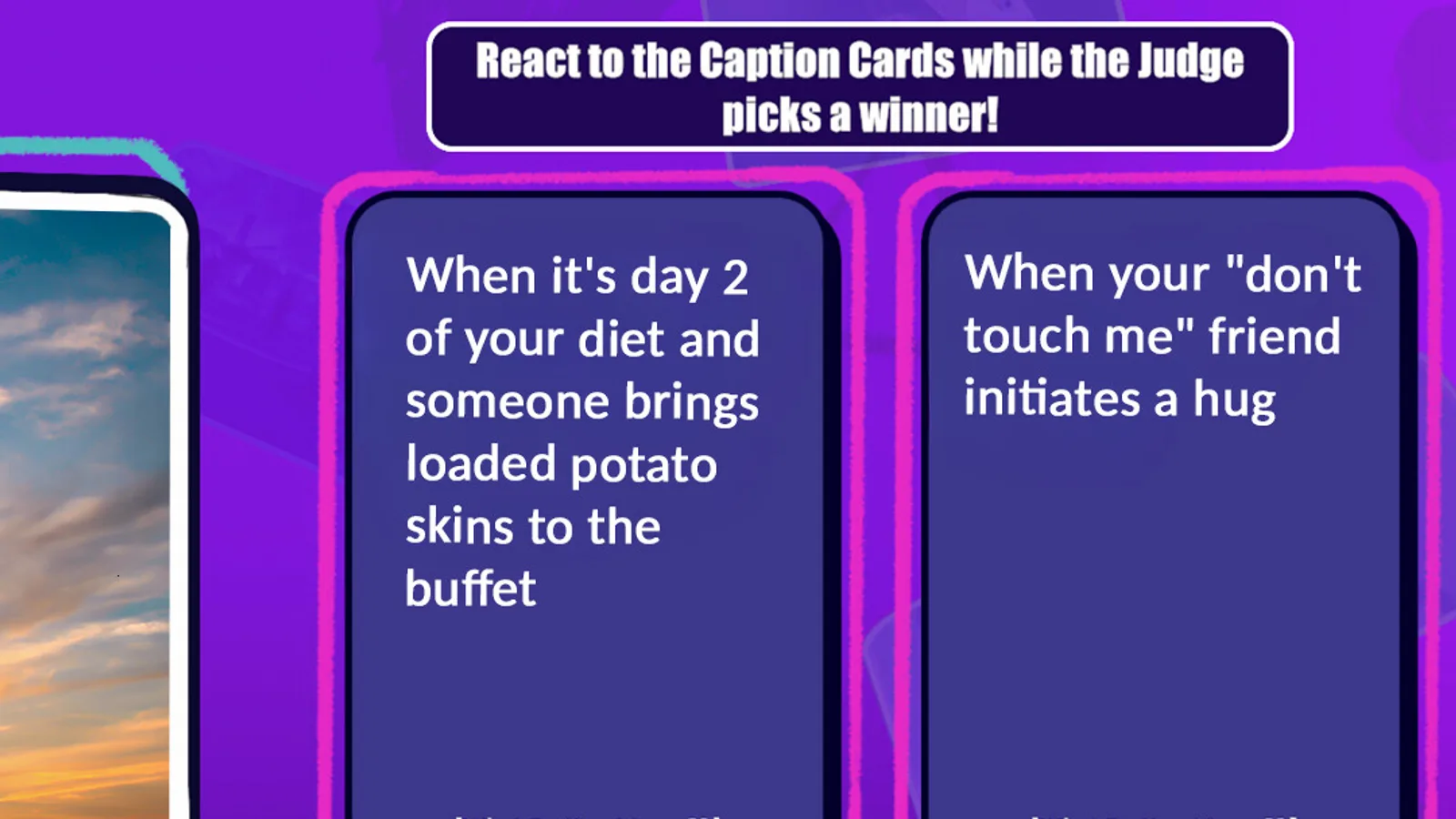
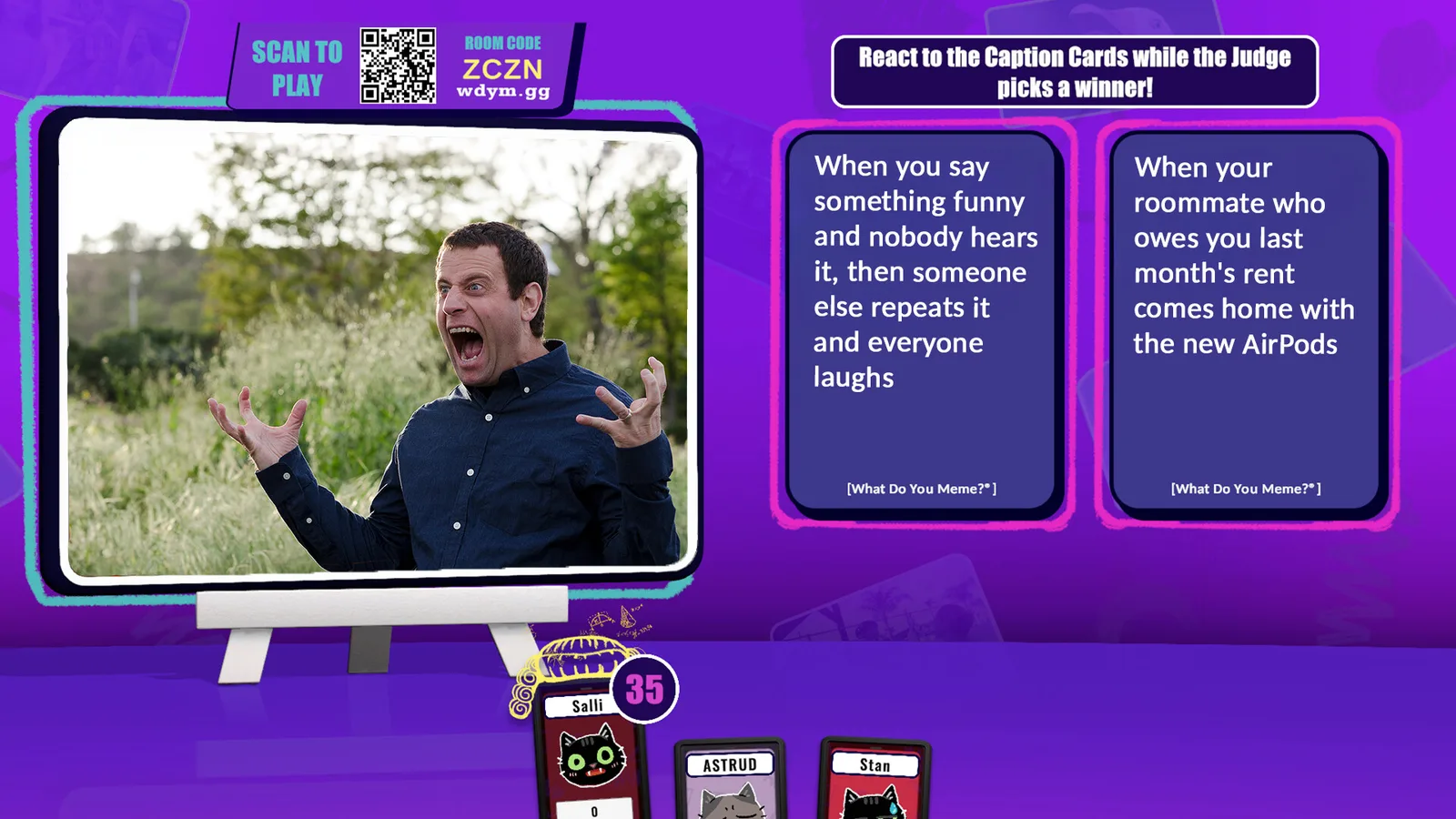
The launch build is a local multiplayer game. One machine runs the match, the TV shows the photo, and phones in the room join through a room code at wdym.gg.
The PlayStation store listing carries an "online play required" label, which sounds contradictory until you read it in context: the phone controller is a web page, so the console needs an internet connection for phones to reach the room. It is not an online matchmaking service.
The Xbox listing describes local multiplayer for 3–8 players. The Steam page lists Remote Play Together, which is Valve's system for streaming a local multiplayer game to friends, not an in-game online mode.
So the three platform labels describe three different things, and none of them is "matchmaking with strangers".
What the free update adds
Snap Finger Click and the publisher have said that online multiplayer and Twitch integration are planned as free post-launch updates. That is the roadmap, not the current build.
Two cautions before you plan a night around it:
- No date has been confirmed. Treat "coming soon" as "not this week" until the store pages change.
- The update will not necessarily unify platforms. Online play and crossplay are different features; the announcement covers the first, not the second.
The Steam page is the best place to watch, because PC is still marked as coming soon and the store listing will have to be updated when the online feature ships.
The workaround that works today: screen sharing
The official site recommends sharing your screen over Twitch or Discord to play remotely. It is not a hack; it is the documented approach for streamers and remote groups.
How it works in practice:
- The host runs the game on a TV or monitor and starts a Discord call or a Twitch stream.
- Remote players watch the shared screen and see the photo card and the room code.
- The host reads the room code, or remote players read it from the stream.
- Remote players join at wdym.gg with that code, exactly like local players.
- Everyone submits on their own phone; the host's screen is the shared stage.
The result is a hybrid: the room is local, but the players can be anywhere with a browser and a voice call.
The latency problem
Screen sharing adds delay, and delay matters in a game with a 35-second timer and a judge who wants reactions.
- Discord screen share is typically the lowest-latency option and the best for a private group.
- Twitch adds stream delay, which is fine for a broadcast but bad for a conversation. If you use Twitch, set the lowest latency mode and expect a few seconds of lag.
- Voice chat is not optional. Without it, remote players are reading captions in silence and missing every joke.
The practical rule: use Discord for playing, Twitch for broadcasting. Trying to do both on one stream makes the delay worse for everyone.
Can remote players join the room directly?
A phone can join any room code it can reach, but the launch build is designed around a host and players who can access the same room page. Sending a code to a friend in another country is not the supported flow, and results vary with network setup.
If you want to try it, test before the night: start a lobby, send the code, and see whether the join page loads on the remote phone. If it does, you have a direct path. If it does not, fall back to screen sharing.
What online multiplayer will change
A real online mode would remove the screen-sharing layer and put the photo card on every player's screen. That changes the social dynamic: no shared TV, no room to read, no judge watching faces.
It also raises the question of moderation. The game's adult content is opt-in through the After Hours pack, and an online mode with strangers would need a way to keep that separate. None of that has been detailed yet.
Until then, the accurate description is: local multiplayer with a documented remote workaround, plus a promised free update.
Is it worth buying for online play?
If your friends are all remote and you have no intention of hosting, wait for the update. The screen-sharing workaround is genuinely fun for a group that already talks on Discord, but it is not the same as an online lobby, and buying on the promise of a future patch is a gamble.
If you have a local group and some remote friends, the current build covers both: local players join with phones, remote players watch the stream and join the same room. That hybrid is the best version of the game available today.
FAQ
Does What Do You Meme? The Video Game have online multiplayer? Not at launch. Online multiplayer is planned as a free post-launch update.
Can I play with friends remotely right now? Yes, through screen sharing on Discord or Twitch, with everyone joining the room code from their own phone.
Is online play the same as crossplay? No. Online play lets remote players join a match; crossplay lets different platforms play together. They are separate features.
Why does the PlayStation store say online play required? Because the phone controller is a web page. The console needs an internet connection for phones to reach the room.
Official rules and store pages
Official source: Snap Finger Click game page ↗, Steam store page ↗ and Respawning launch report ↗.