
What Do You Meme? Twitch and Discord: Stream and Play
How to play What Do You Meme? The Video Game with remote friends over Discord or Twitch: screen share settings, room codes, latency and etiquette.
What Do You Meme? The Video Game has no online lobby at launch, but it has something almost as good for a group that already hangs out on voice chat: the whole game can be played through a screen share. The host runs the match, the stream carries the photo card and the room code, and everyone else joins from their phone.
Snap Finger Click recommends exactly this for streamers, and it works for private groups too. The difference between a fun remote night and a laggy mess is almost entirely in the settings.
This page covers the Discord setup, the Twitch setup, the room-code handoff and the etiquette that keeps a stream from turning into six people talking over each other.
For the current state of built-in online play, see the online multiplayer page→. For the local join flow, the phone controller page→ has the steps.
The Discord setup (best for playing)
Discord is the right tool for a private game night because the latency is low and voice is built in.
- Start a voice channel and get everyone in before the game starts.
- Host starts the match on the TV or monitor and leaves the lobby visible.
- Share the game window, not the whole desktop. Window share is sharper and avoids exposing notifications.
- Set the stream to 1080p if your upload allows it. The photo card has text on it; blurry captions ruin the game.
- Turn on "Use Advanced Voice Activity" or push-to-talk for the host, so the game audio does not trigger the mic.
- Read the room code aloud once, then let people join.
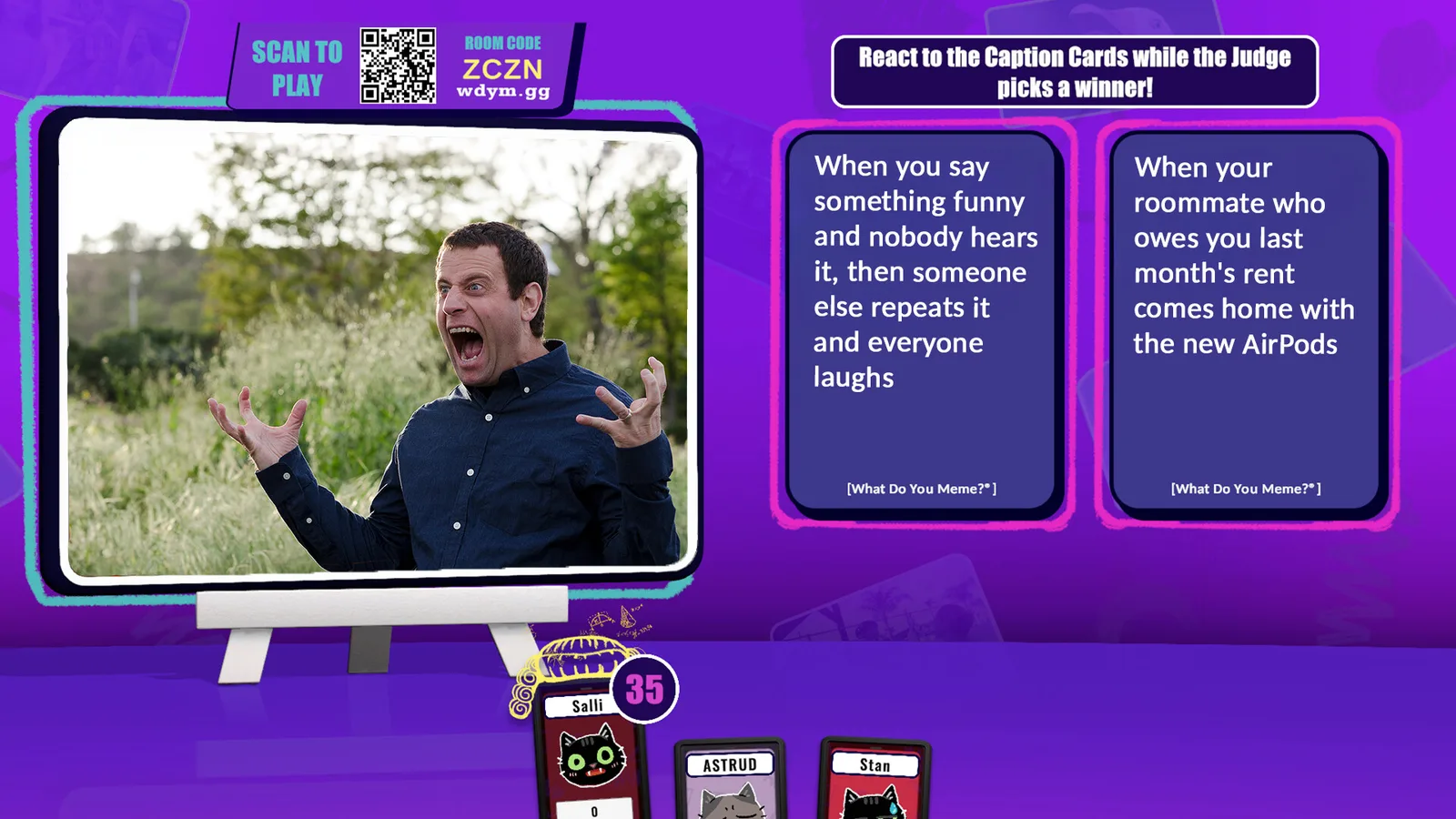
The host's screen is the shared stage. Remote players see the photo, the timer and the reveal; their phones show their hands. That is the same division of labour as a local game, just with the TV replaced by a stream.
The Twitch setup (best for an audience)
Twitch is for broadcasting, and broadcasting adds delay. That is fine if the stream is the show and the chat is the audience, and bad if the stream is how your friends see the game.
If you are streaming to an audience:
- Use a low-latency mode and tell viewers the stream is interactive.
- Put the room code on screen but do not leave it up for the whole night; codes are effectively passwords to the lobby.
- Run voice chat separately. Twitch chat is not a conversation channel for a 35-second timer.
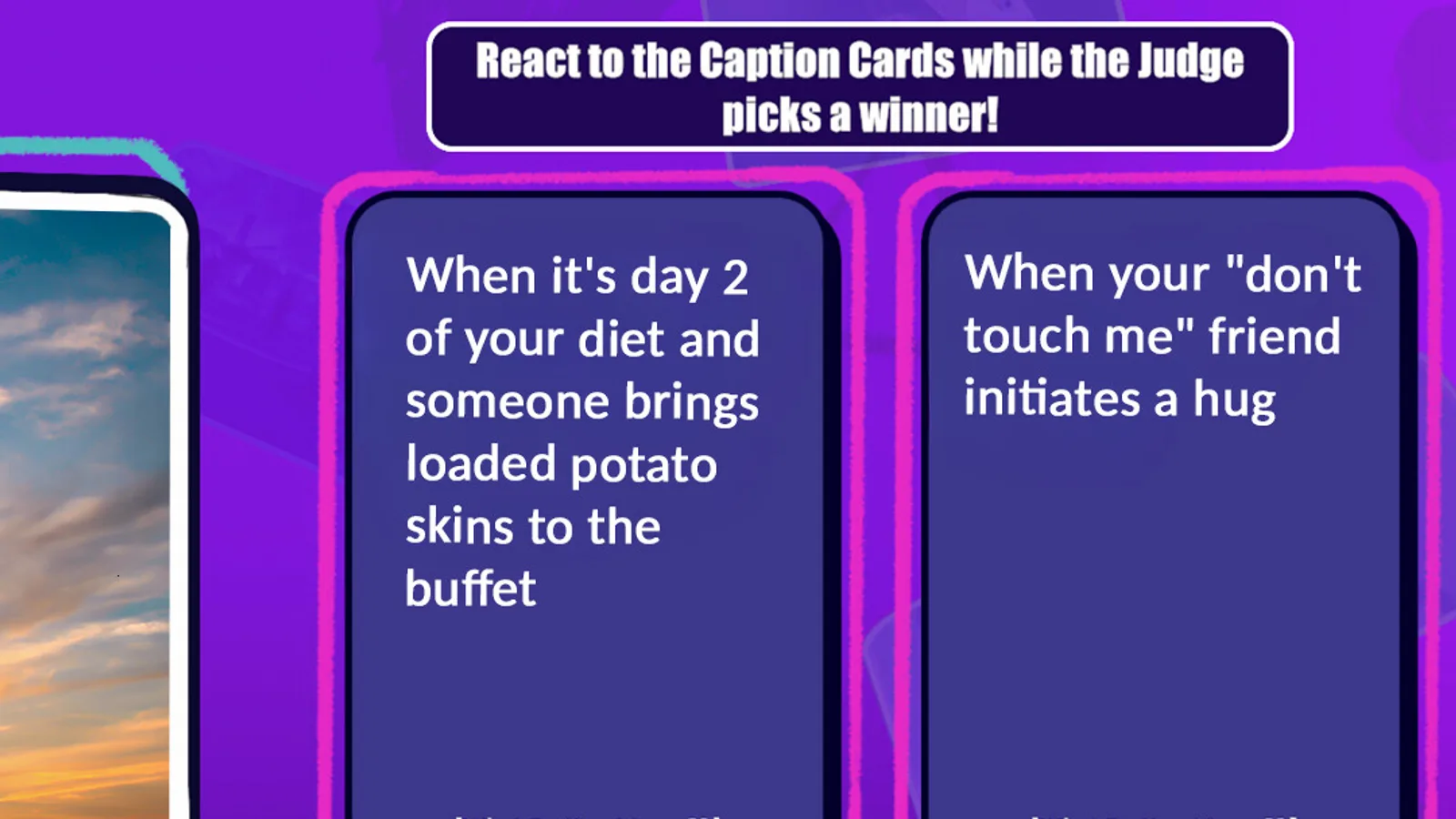
- Expect the audience to spoiler captions. A chat that can see the photo can suggest answers. Some streamers lean into this; most mute the relevant part.
The Twitch integration promised in the post-launch update is a different feature from screen sharing, and it is not live yet. Today, Twitch is a broadcast pipe, not a controller.
The room-code handoff
The room code is the one piece of information every remote player needs, and it is also the easiest thing to get wrong on a stream.
- Show it large. Zoom the lobby or crop the stream layout so the code is readable at 720p.
- Say it once, slowly. Four characters, with the lookalike letters spelled out.
- Re-show it after every restart. A new match means a new code.
- Do not post it publicly if the lobby is meant to be private. Anyone with the code and the join page can take a seat.
If someone cannot join, the failure is usually the code or a VPN, not the stream. The room code troubleshooting page→ covers both.
Latency, timing and the 35-second timer
The default timer is short. On a stream with a few seconds of delay, remote players see the photo later than the host, which eats into their thinking time.
Three adjustments:
- Turn the timer off for a remote-heavy group. The settings page→ explains the trade-off.
- Use Discord rather than Twitch when the priority is playing rather than broadcasting.
- Pause between rounds if the group is large and the stream is slow. A ten-second breather is cheaper than a round where half the table had no time.
Etiquette for a streamed party game
The game's humour is the point, and a stream makes it public. A few house rules keep it from going wrong:
Do not read the adult pack on stream unless the channel is marked for it. The After Hours pack is explicitly mature content; the card packs page→ explains what is in it.
Do not target players. The game hides names during judging for a reason. A caption that attacks a person rather than a photo is not a joke, it is a roast, and it lands differently with an audience.
Give the judge space. A stream where the host commentates every decision turns the judge into a performer. Let the pick land, then react.
Have a moderation plan. Public lobbies plus a mature card pool plus an audience is a combination that needs someone watching chat.
Test the stream, the code and the phones with one remote player before the night. Five minutes of rehearsal prevents the classic twenty-minute "can everyone see my screen" opener.
What remote players miss
The shared screen is a decent substitute for a TV, but it is not the same room. Remote players cannot see the judge's face, cannot hear the table laugh before the reveal, and cannot lean over to read a caption.
That is why voice chat matters so much. The game is a social engine, and the stream only carries half of it. A group that talks constantly will have a good remote night; a group that plays silently will wonder why the game feels flat.
Where to check the details
FAQ
Can Twitch viewers join the game? Only if they have the room code and the join page loads for them. There is no built-in Twitch integration at launch.
Is Discord better than Twitch for playing? Yes, for latency and voice. Twitch is better for an audience.
Does screen sharing count as online multiplayer? No. It is a workaround that carries the shared screen; the game itself is still a local room.
What if the stream is blurry? Share the game window rather than the desktop, raise the bitrate, and avoid streaming at 720p if the captions are small.
Official rules and store pages
Official source: Snap Finger Click game page ↗ and Respawning launch report ↗.